
9. Tool Deployment#
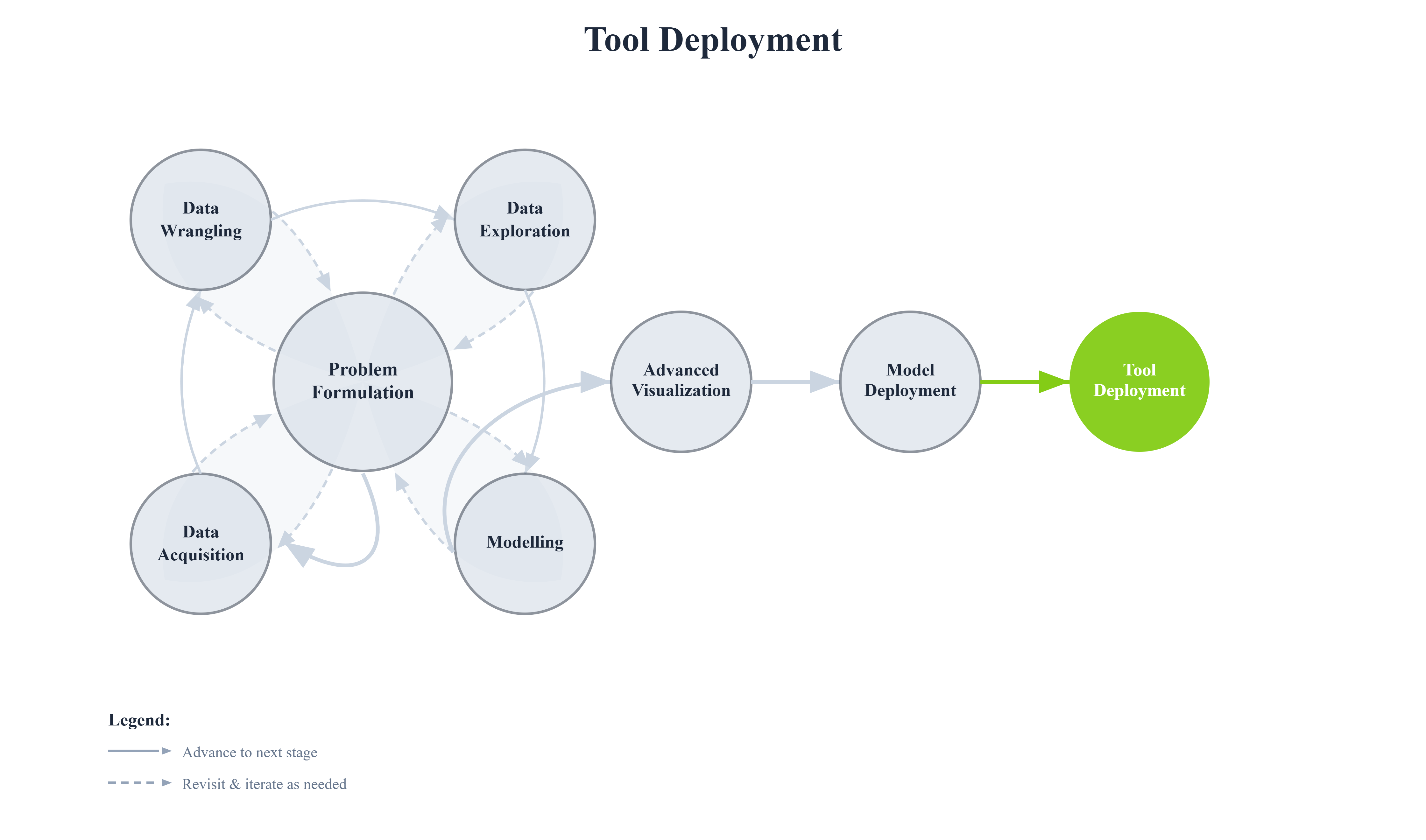
Building a machine learning model and even creating interactive visualizations in notebooks is just the beginning. To truly deliver value, you need to deploy your work as accessible tools that others can use without technical expertise or access to your development environment.
This chapter covers transforming Jupyter notebooks and ML models into standalone applications that can be shared with stakeholders, deployed to the web, or integrated into larger systems.
From Notebook to Application
The journey:
Jupyter Notebook (Development)
        ↓
Interactive Widgets
        ↓
Standalone Application (This Chapter)
        ↓
Deployed Tool (Web/Desktop)
Why Deploy as Tools?
Accessibility
Non-technical users can benefit from your models
No Python/Jupyter knowledge required
Works on any device with a browser
Professional Delivery
Polished user interfaces
Reliable, production-ready
Proper error handling
Broader Impact
Reach more users
Enable self-service analytics
Scale insights across organization
Note
We will walk through several common approaches for building and deploying our tools. These are not the only options, but they provide practical and widely used patterns you can build upon.